Automatic Scan-to-BIM
to save time

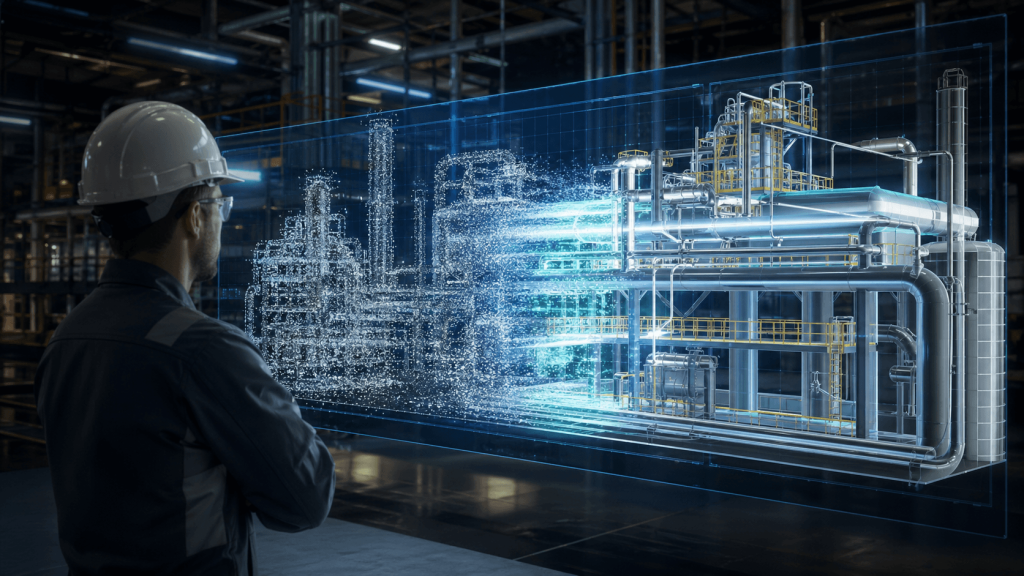
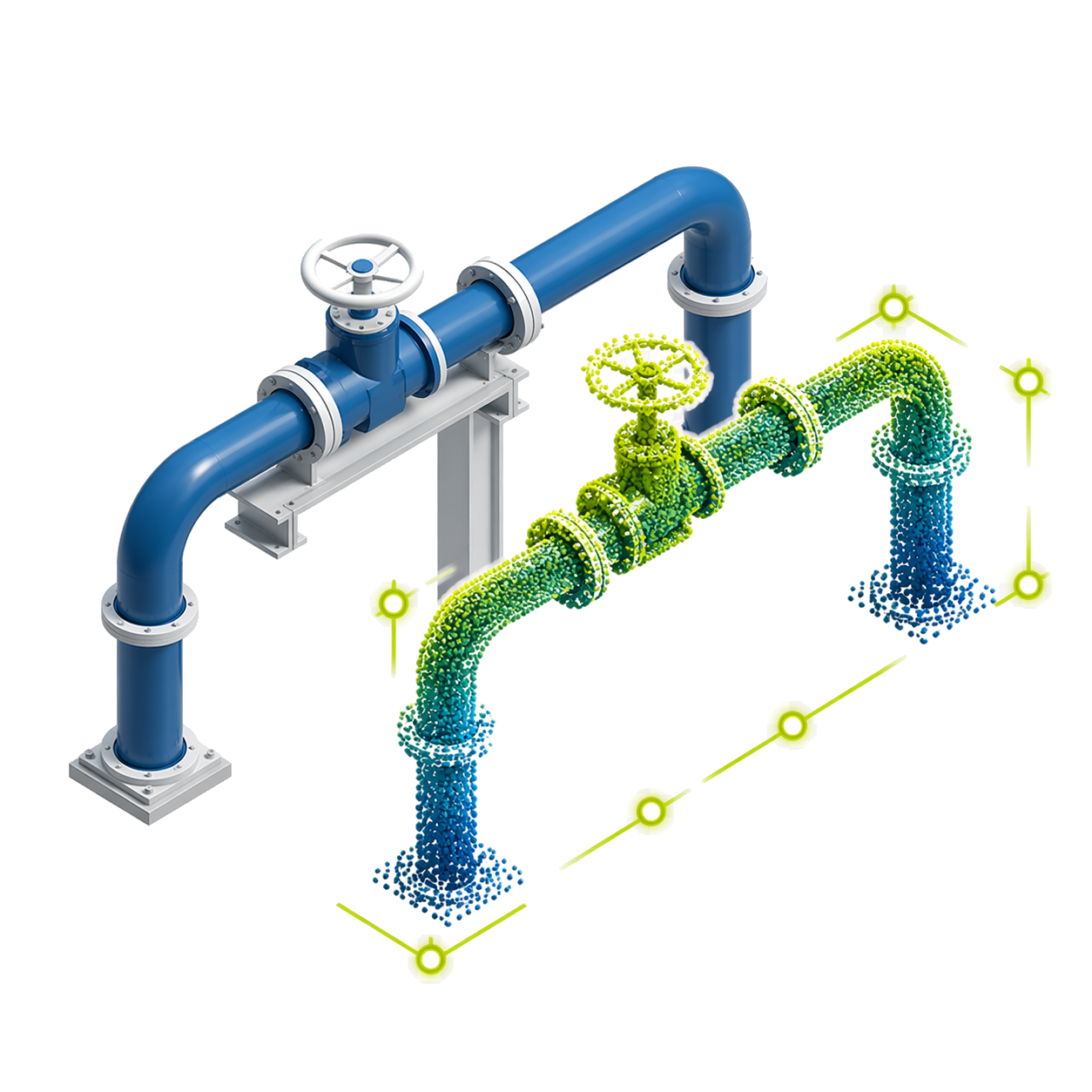
Automate Scan-to-BIM modeling from point clouds, reducing manual modeling time and accelerating as-built deliverables.

ClearEdge EdgeWise

Modeling automation
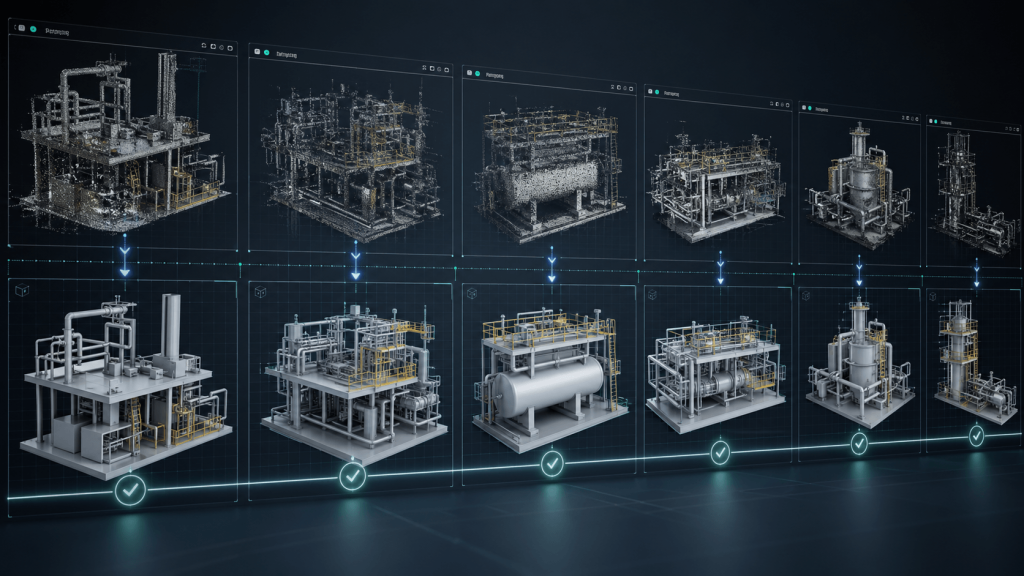
Automate key modeling stages from point clouds, accelerating the creation of accurate models and reducing manual workload.
Consistency in technical results
Standardize model generation, maintaining uniform criteria across deliveries and improving the technical quality of the final result.
Scalability in large projects
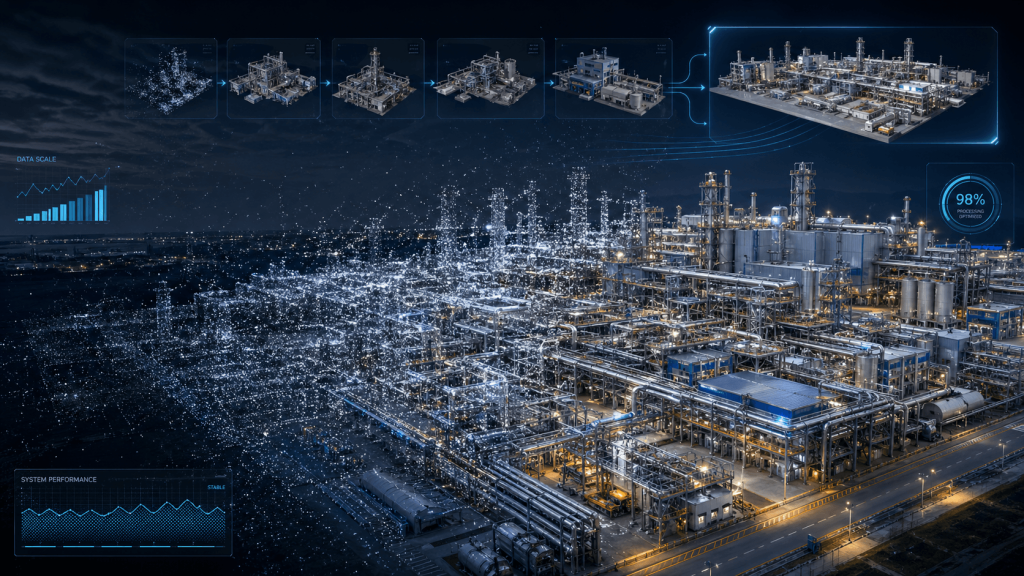
Enables processing large volumes of data and tackling larger-scale projects without significantly increasing operational complexity.
Reduction of human errors
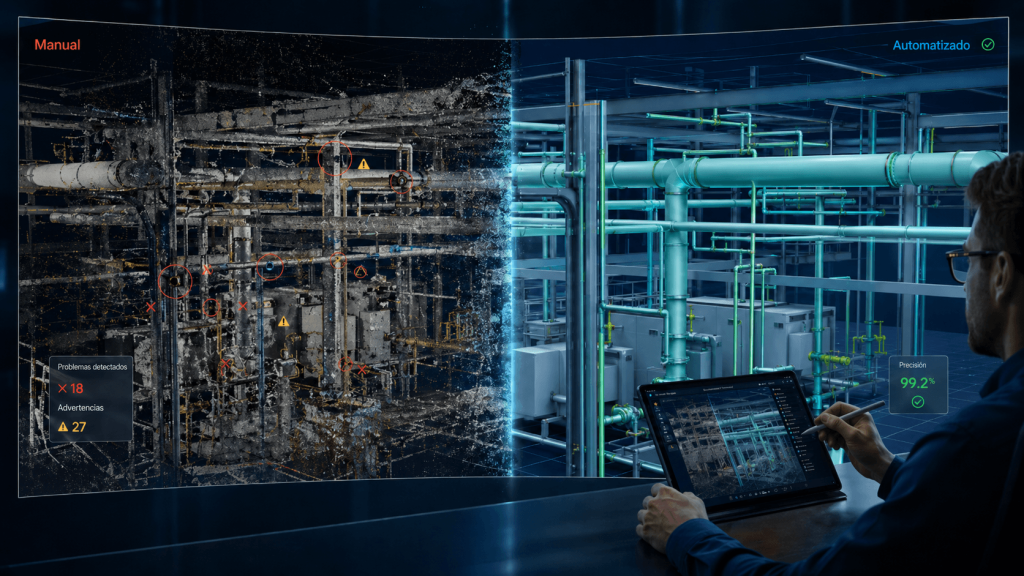
Reduces failures associated with repetitive tasks or manual intervention, delivering more reliable results during the modeling process.

From scan to model,
faster.

Unlimited features

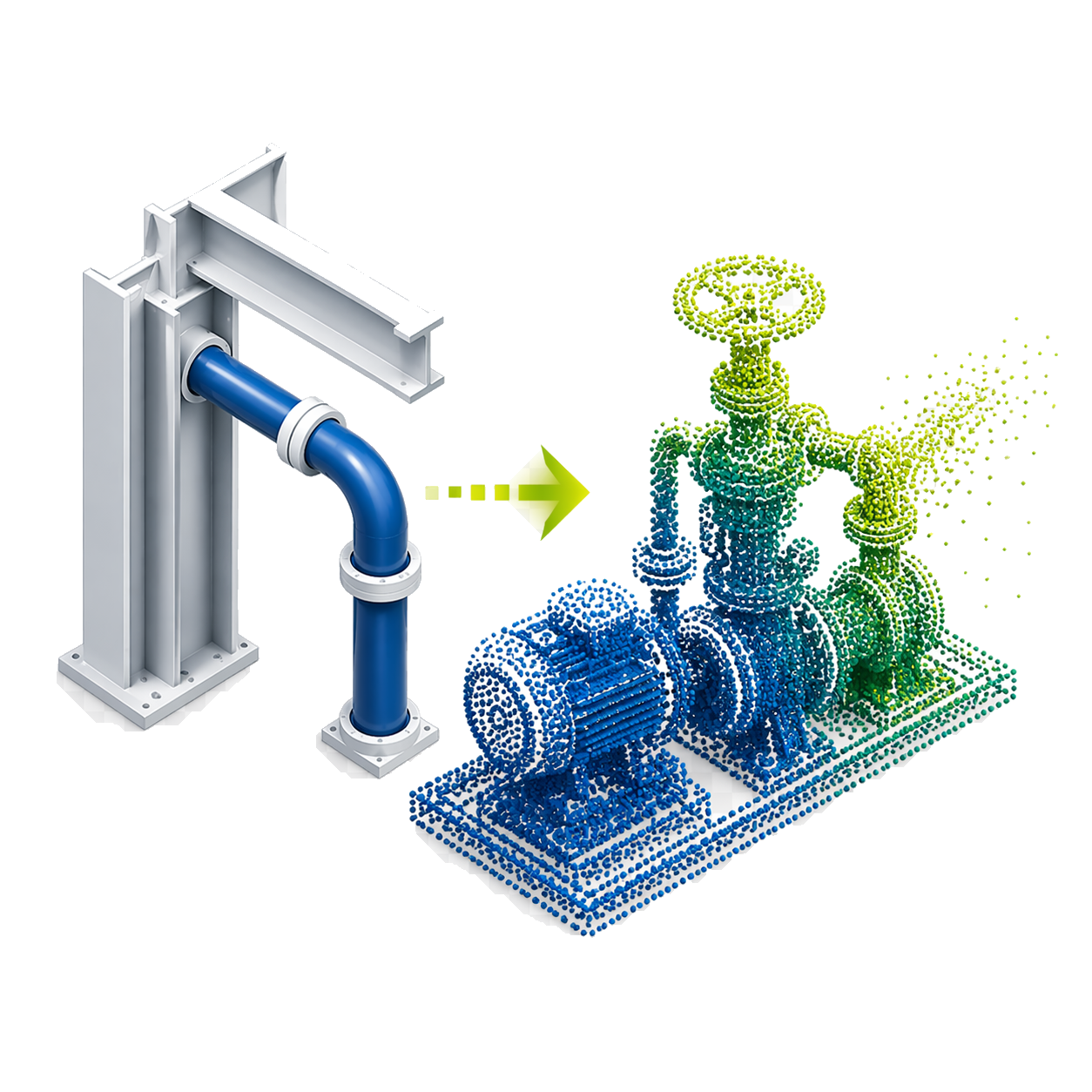
Automatic extraction

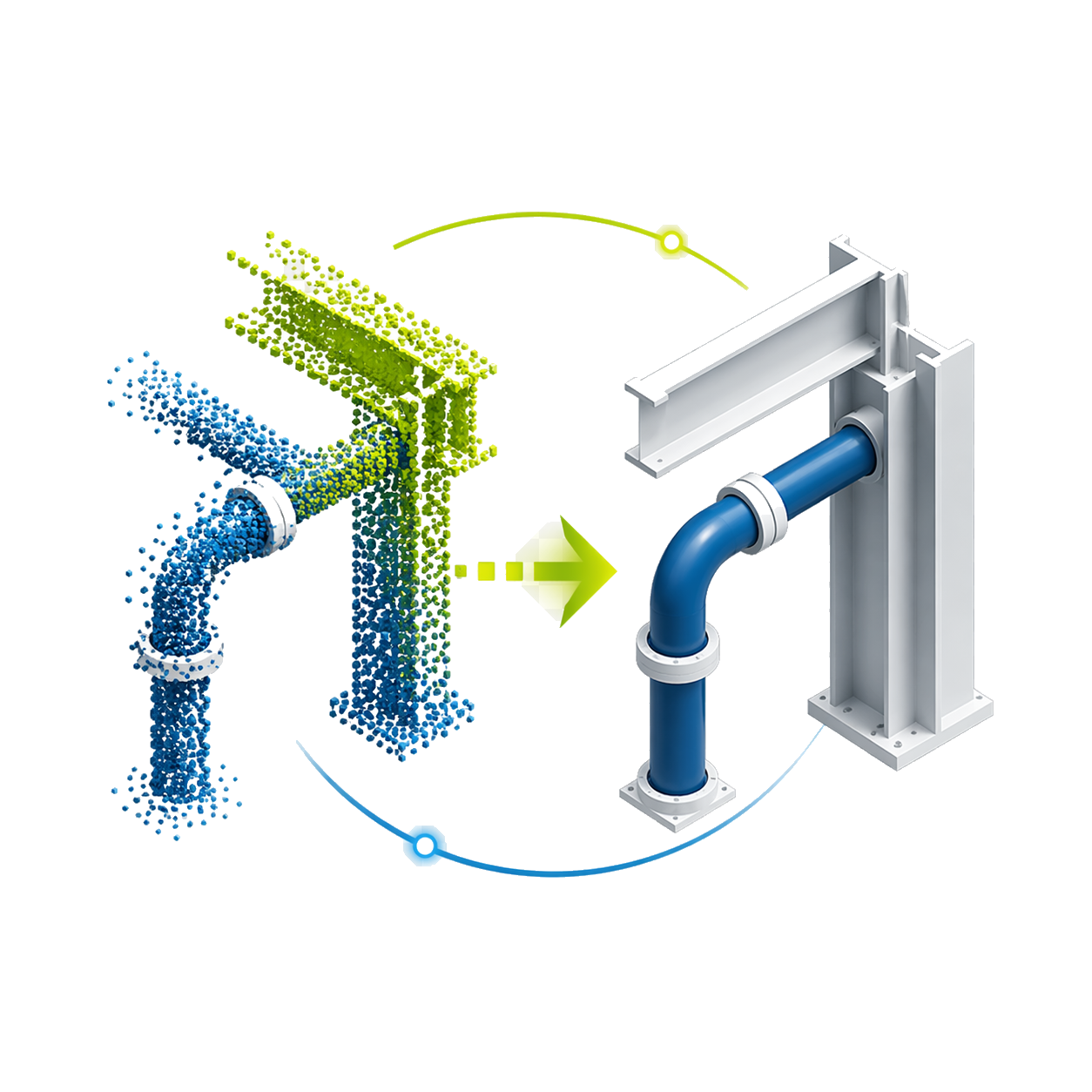
Automates scan-to-BIM workflows and extracts geometry from mobile and terrestrial point clouds using computer vision.

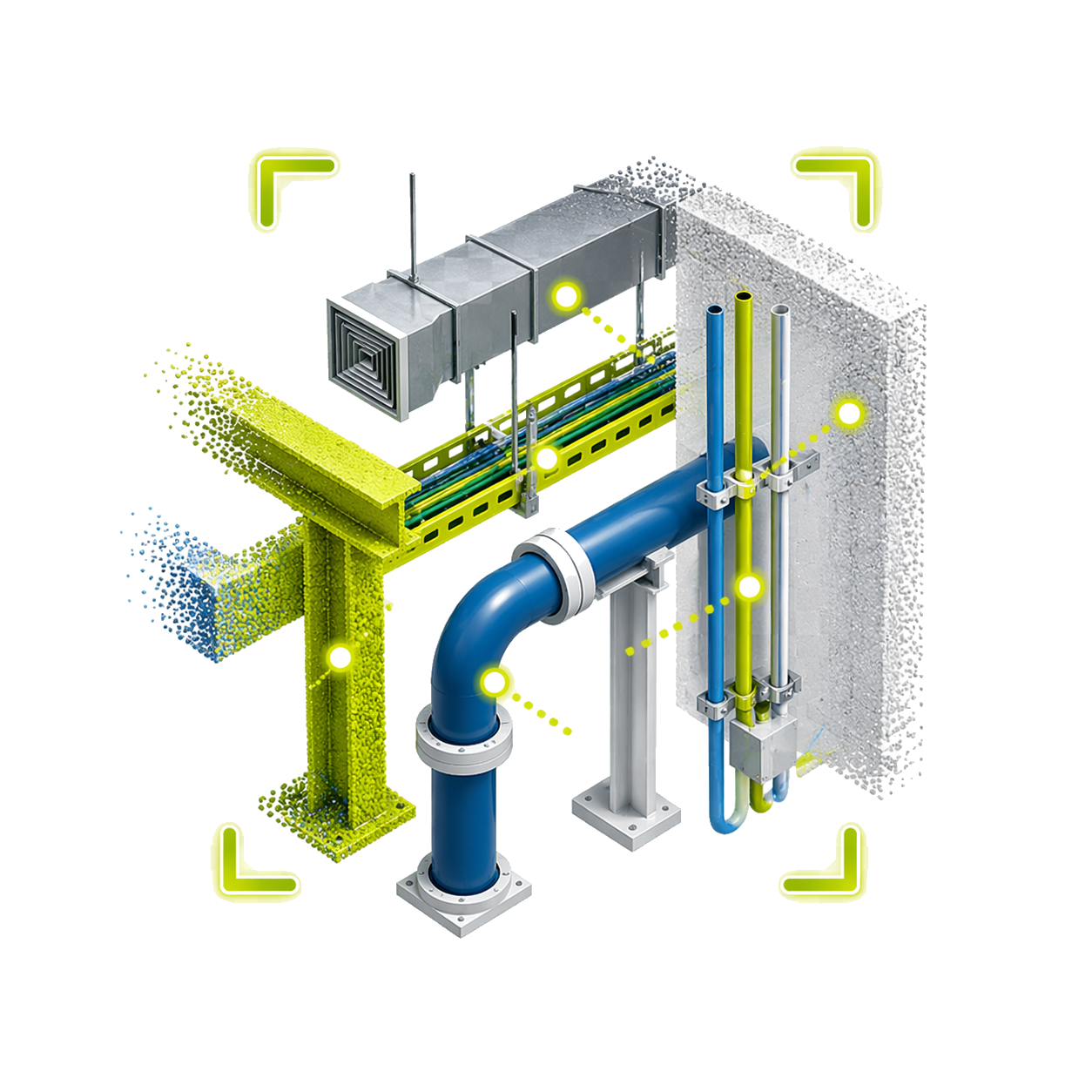
Recognizes MEP elements

Detects pipes, structures, ducts, walls, conduit, and cable trays with little manual work.

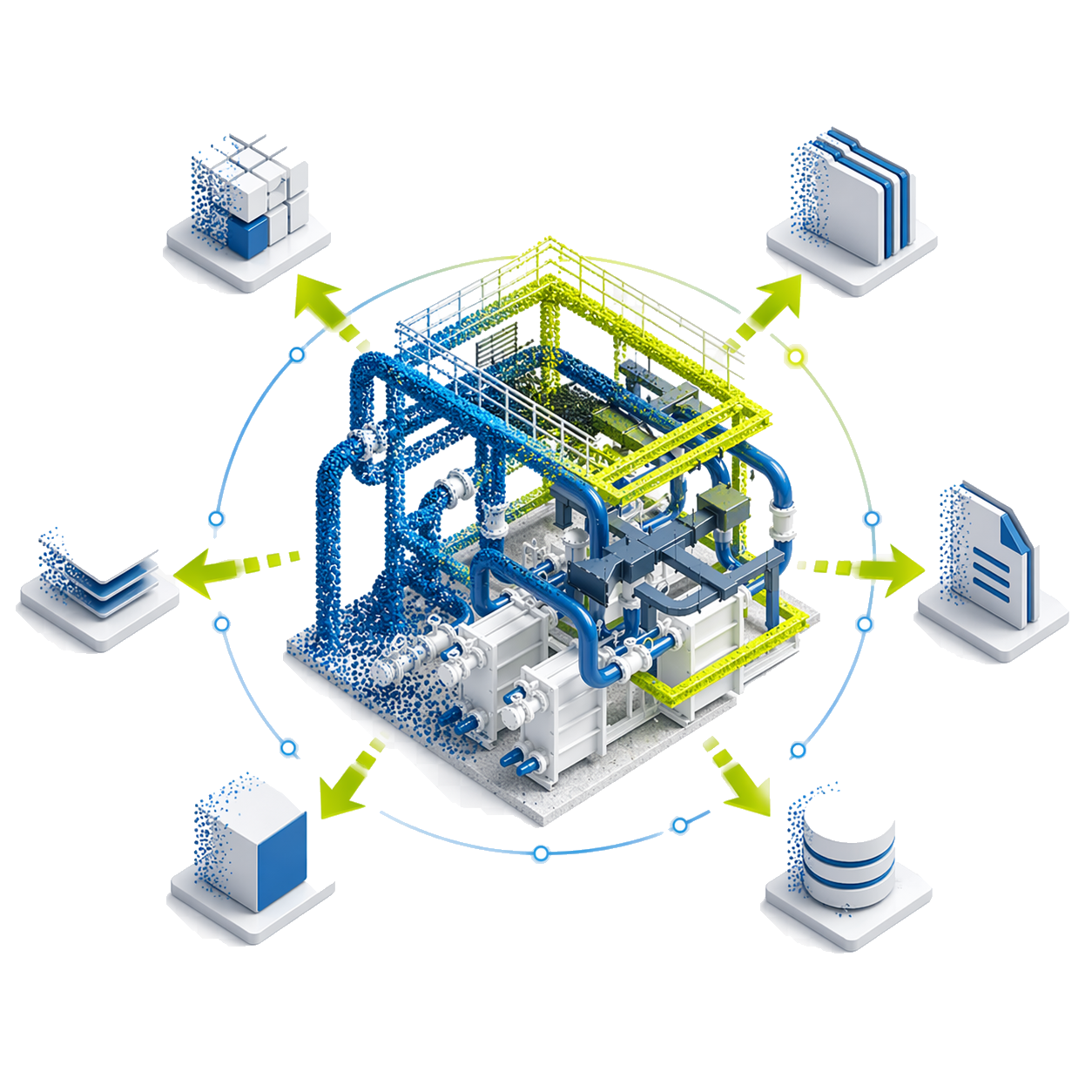
Integration and export

Integrates with Revit, Plant 3D, and E3D; also exports in COE, STEP, and DXF.

Smart Points

Isolates points of already modeled objects for quick edits without reprocessing the entire cloud.

Remainder Cloud

Exports points of unmodeled objects, such as equipment or machinery, to continue modeling without unnecessary noise.

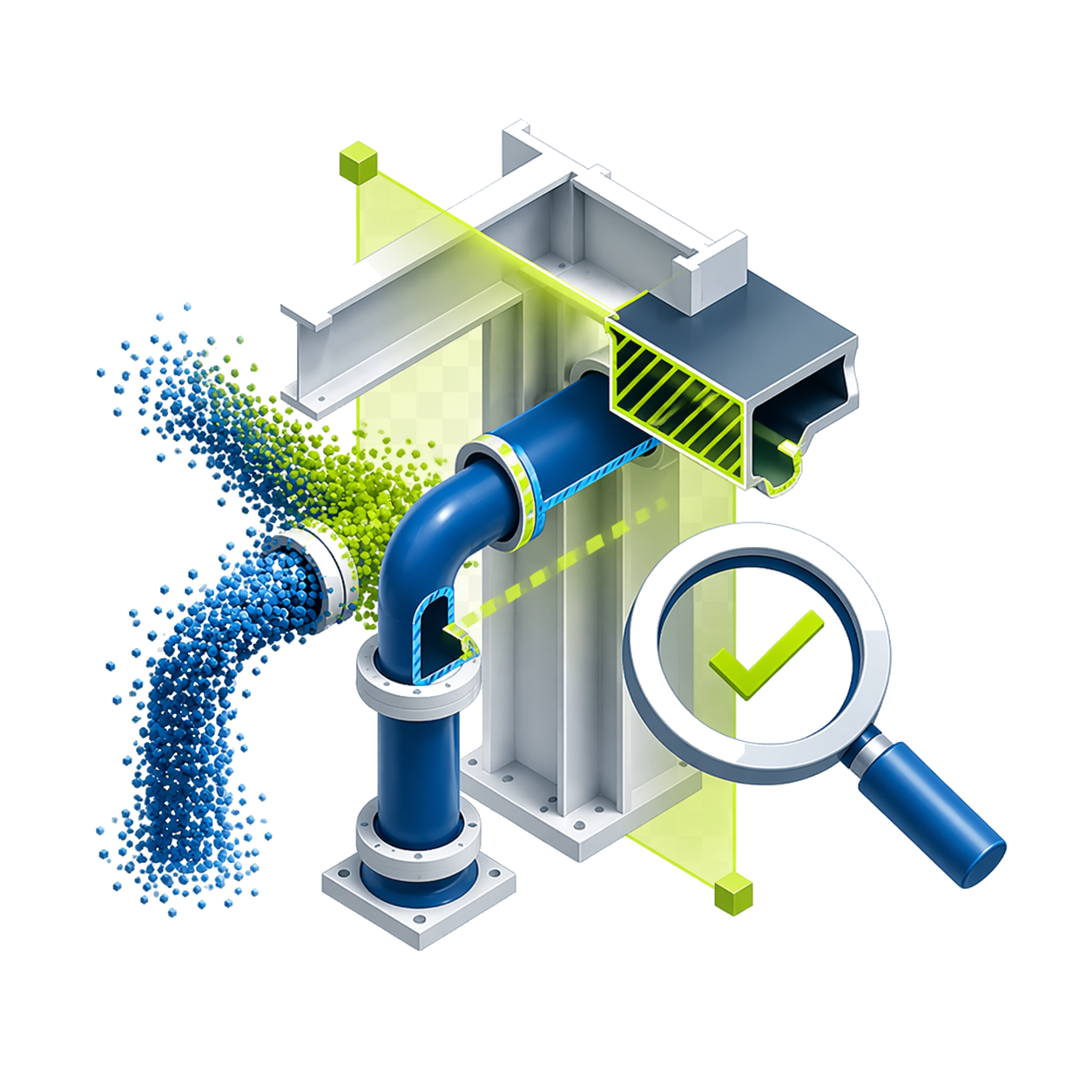
Section-by-section verification

The cut view allows you to verify, resize, and adjust elements with greater control over precision.

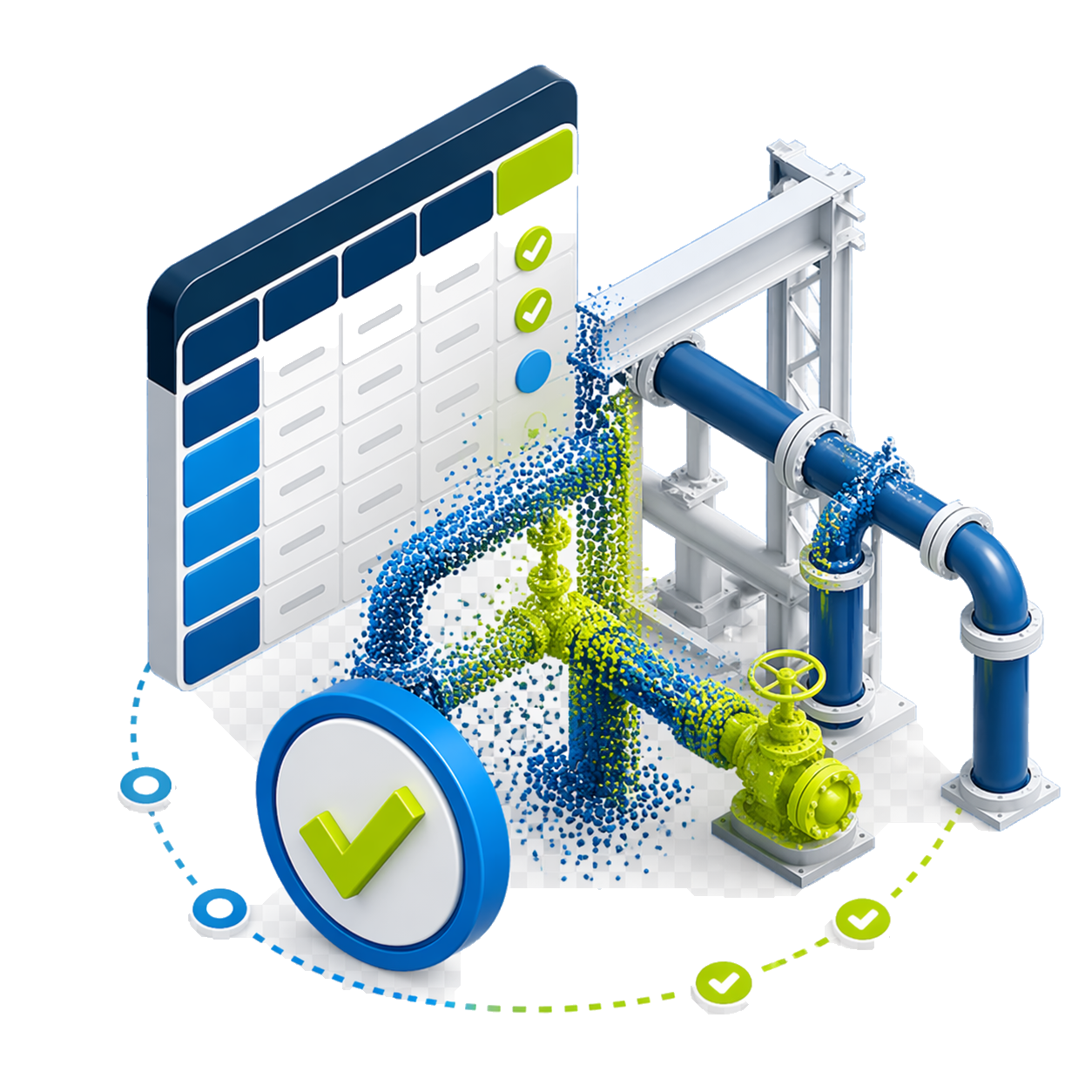
SmartSheet QA/QC

SmartSheet displays cloud coverage, specification, length, and other indicators to validate the model.

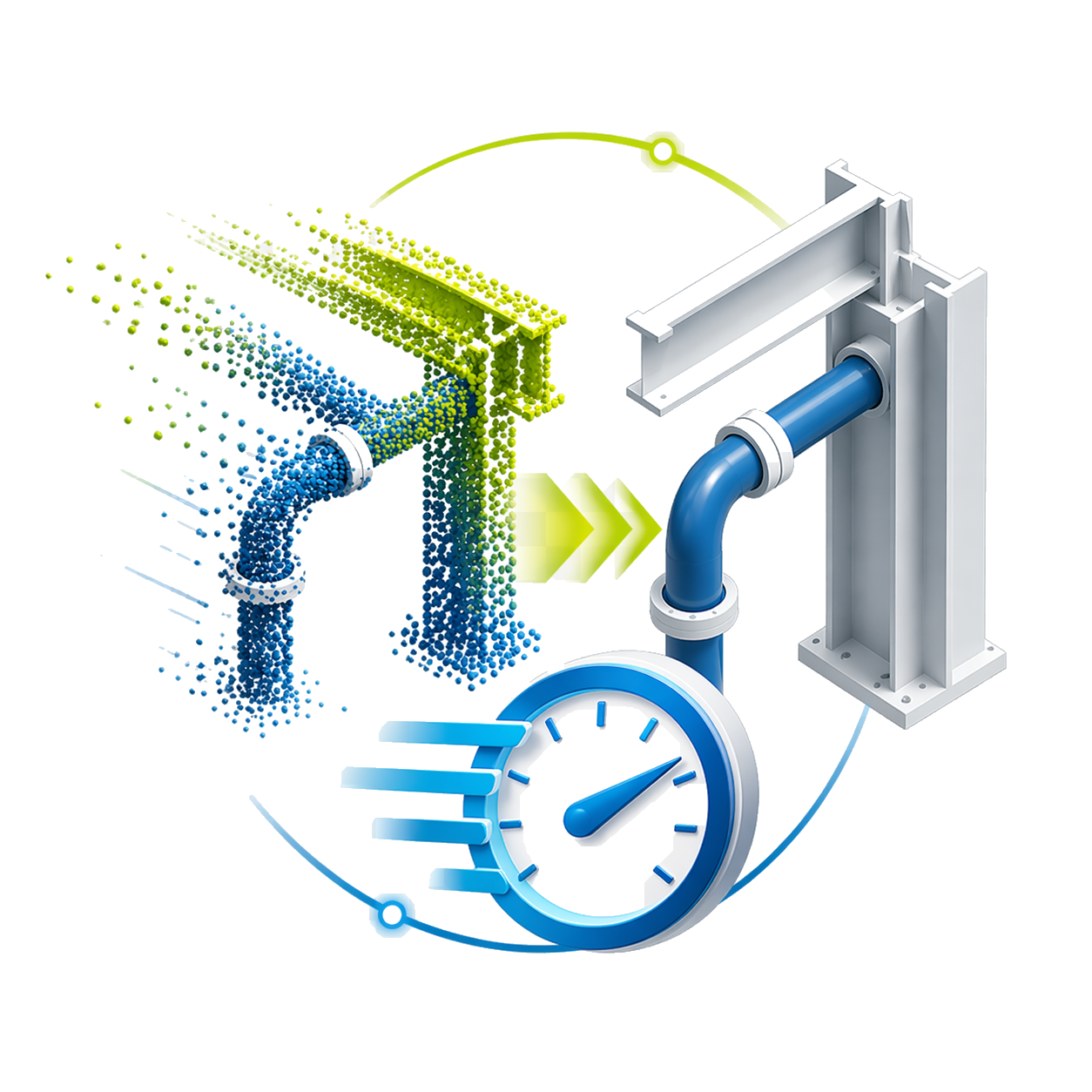
Up to 73% faster

You can complete up to 73% of as-built modeling with low manual effort, according to the manufacturer.

Minimum requirements

Operating system

Win Vista SP2+ / 7 / 8 / 10 x64

CPU

Not published.

RAM

6 GB

GPU

OpenGL, 1 GB

+200 functions that will make your work much easier.

Leader and recognized
worldwide

Recognized for automating Scan-to-BIM and significantly reducing manual modeling times in as-built projects.

Do you have questions?

Do you have questions?

EdgeWise is used to accelerate as-built modeling from point clouds. It uses automation tools to extract elements from scans and transform them into models usable in CAD/BIM workflows. It is especially useful in industrial projects, plants, buildings, structures, piping, MEP, and existing conditions documentation.
Yes. EdgeWise is designed to reduce intensive manual work in modeling from point clouds. It helps automate part of the geometry extraction, allowing you to move faster in projects where manually modeling each element would take a long time.
No. EdgeWise automates part of the process, but the result must be reviewed, adjusted, and validated by a professional. Its value lies in accelerating the scan-to-BIM workflow and reducing repetitive tasks, not in completely replacing the modeler's technical judgment.
EdgeWise can integrate with design platforms such as Autodesk Revit, Autodesk Plant 3D, and AVEVA E3D, in addition to supporting formats that allow continuing work in other technical environments. This makes it easy to take elements extracted from the point cloud into design, coordination, or documentation models.

Yes. All our products include training through the free GoKeep program. Additionally, our support channel is always available to provide you with a quick response to any technical or commercial questions. You can find our WhatsApp contact directly in the footer of our website.

Yes, we sell to customers throughout Chile. Since it is software, the activation code is sent by email along with the certificate, installers, and access to courses.

No, the published prices are net and VAT is added at checkout.
Talk to an advisor

Response in less than 5 minutes.

Unleash their potential

Experts in precision

Discover more solutions by category.

GNSS Systems

Laser Scanner

Cameras

Total Stations

Detection Systems

Levels

Software