Fast and compatible CAD design

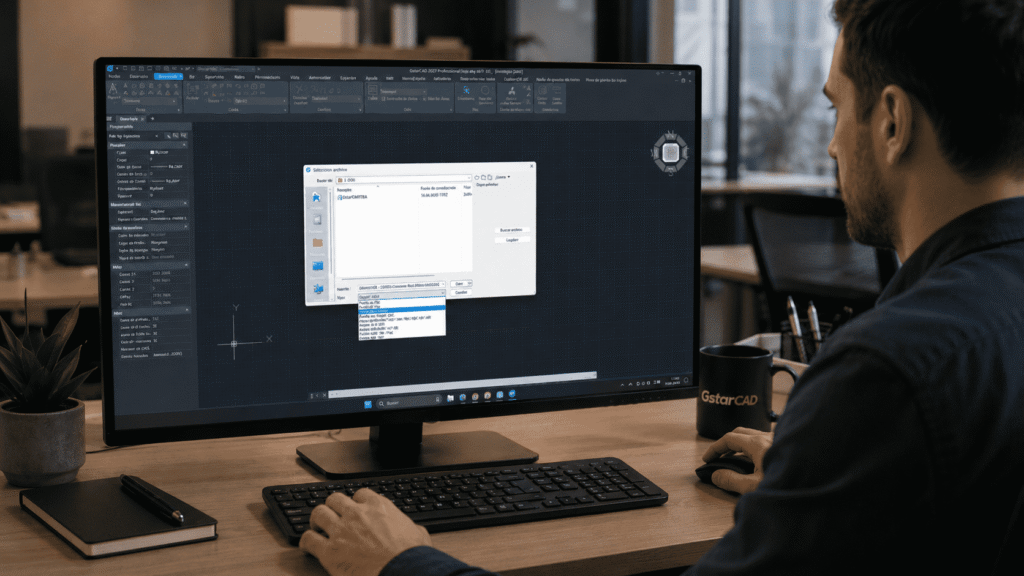
GstarCAD 2027 is a professional CAD platform for 2D drawing and 3D design, compatible with DWG and DXF files. It includes documentation, comparison, printing, and customization tools through different languages and APIs, depending on the edition.

GstarCAD

Professional compatibility and control

CAD migration without disrupting projects
Open and save DWG/DXF, preserve command habits, and allow reuse of templates, blocks, printers, and LISP routines to reduce transition time.
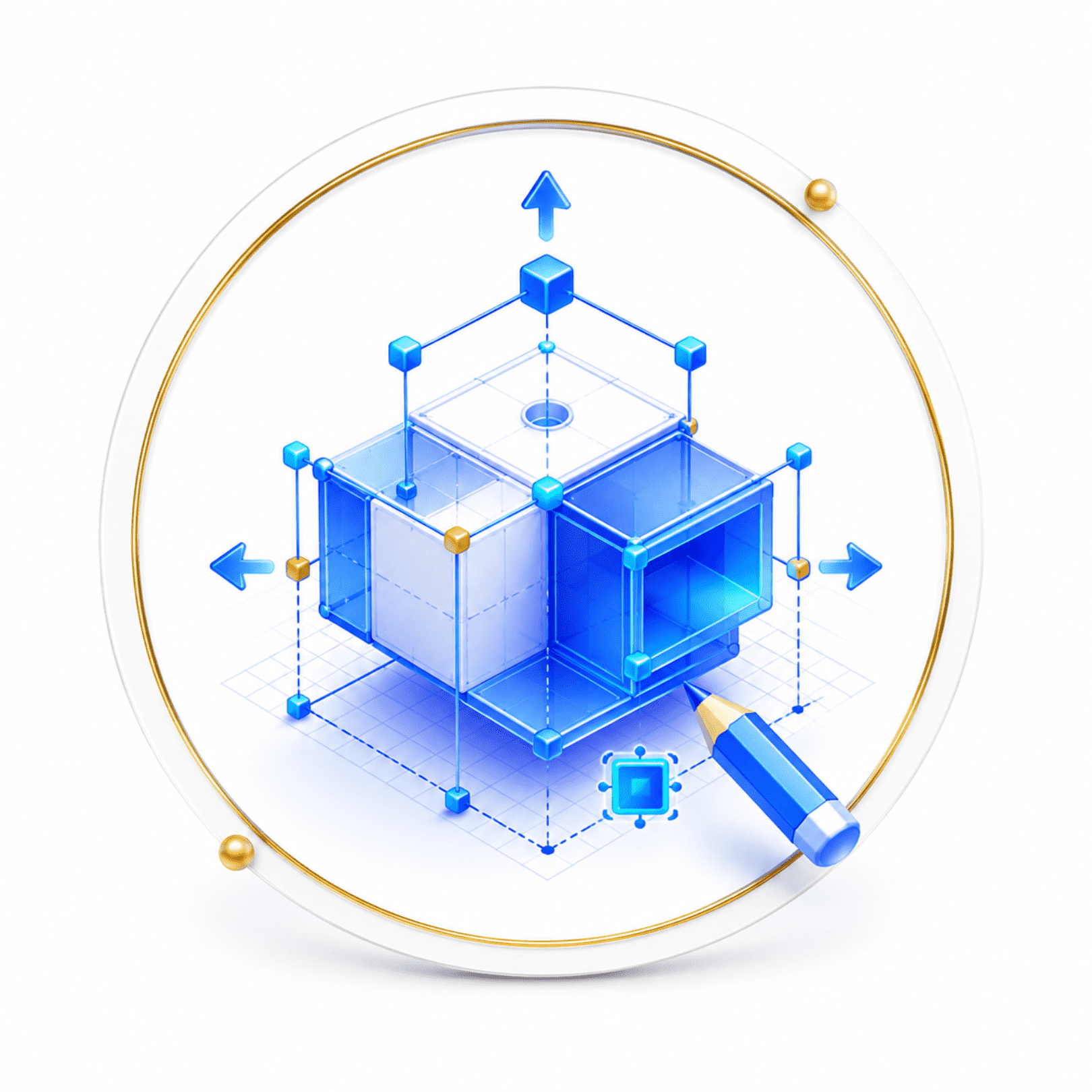
Integrated 2D drafting and 3D design
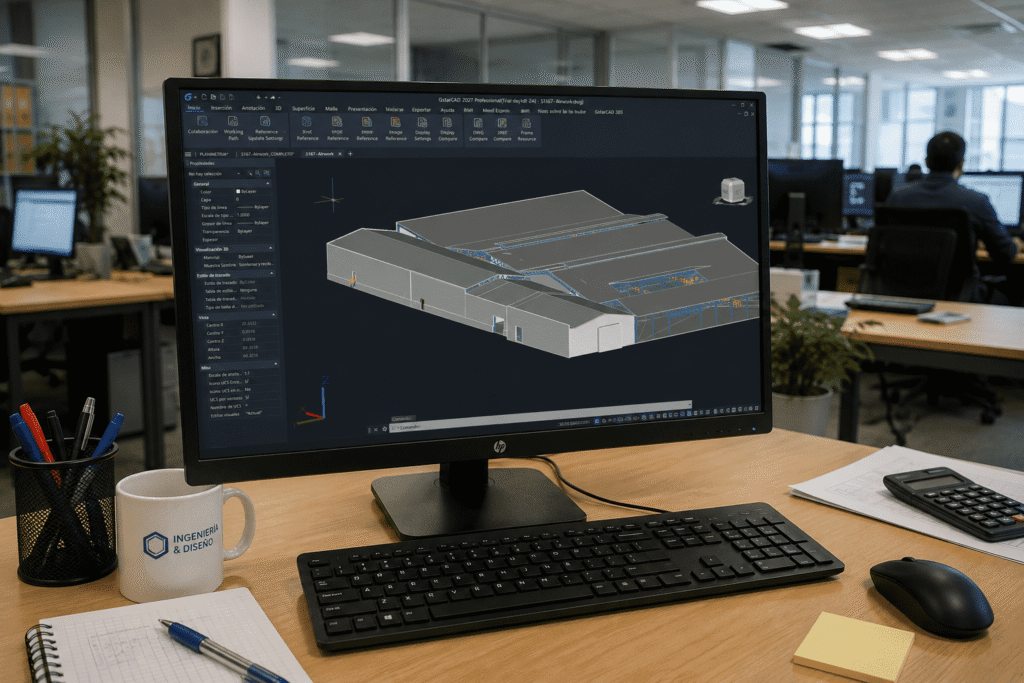
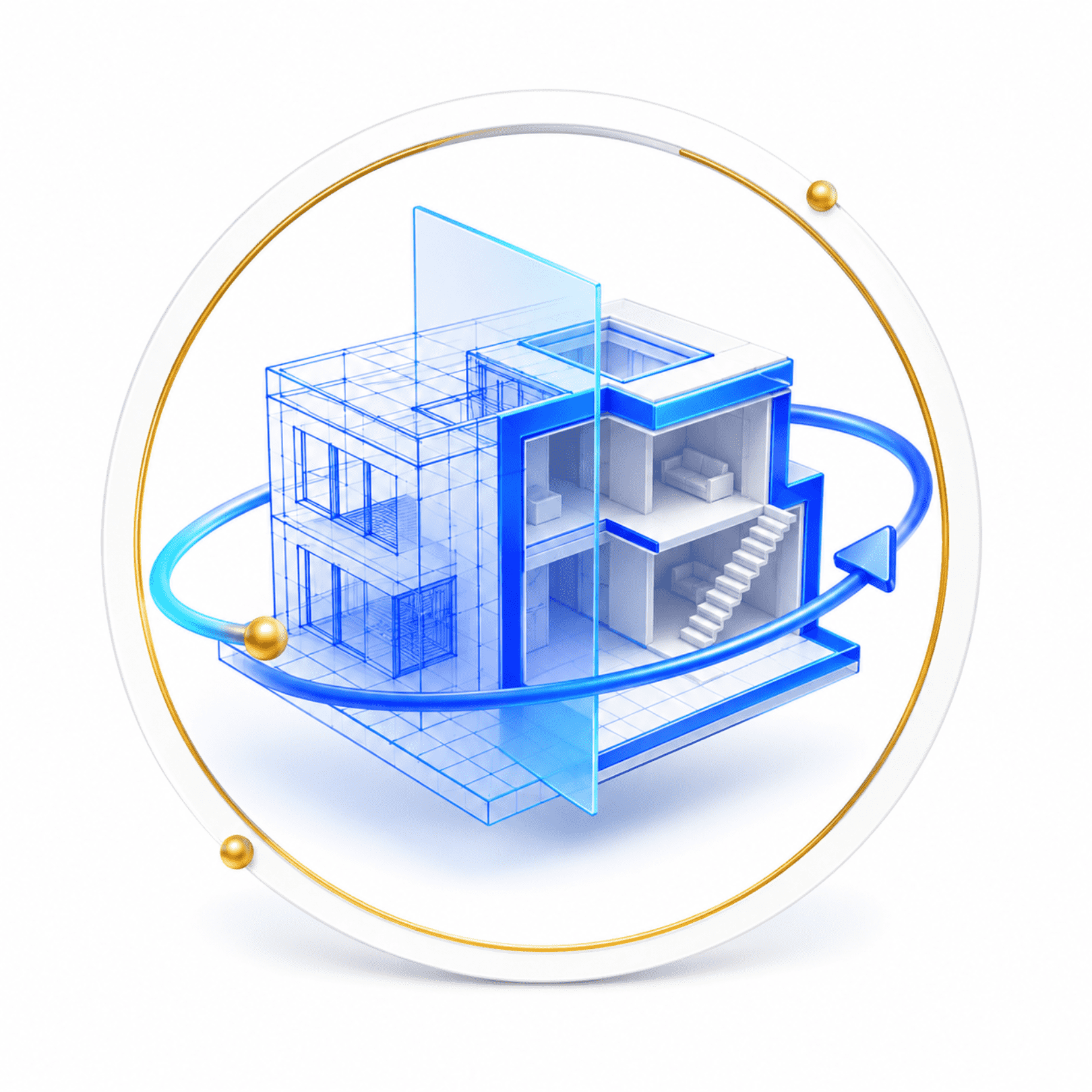
Combine drawing, dimensions, and annotations with orbits, visual styles, meshes, solids, and sections to develop and document projects in a single environment.
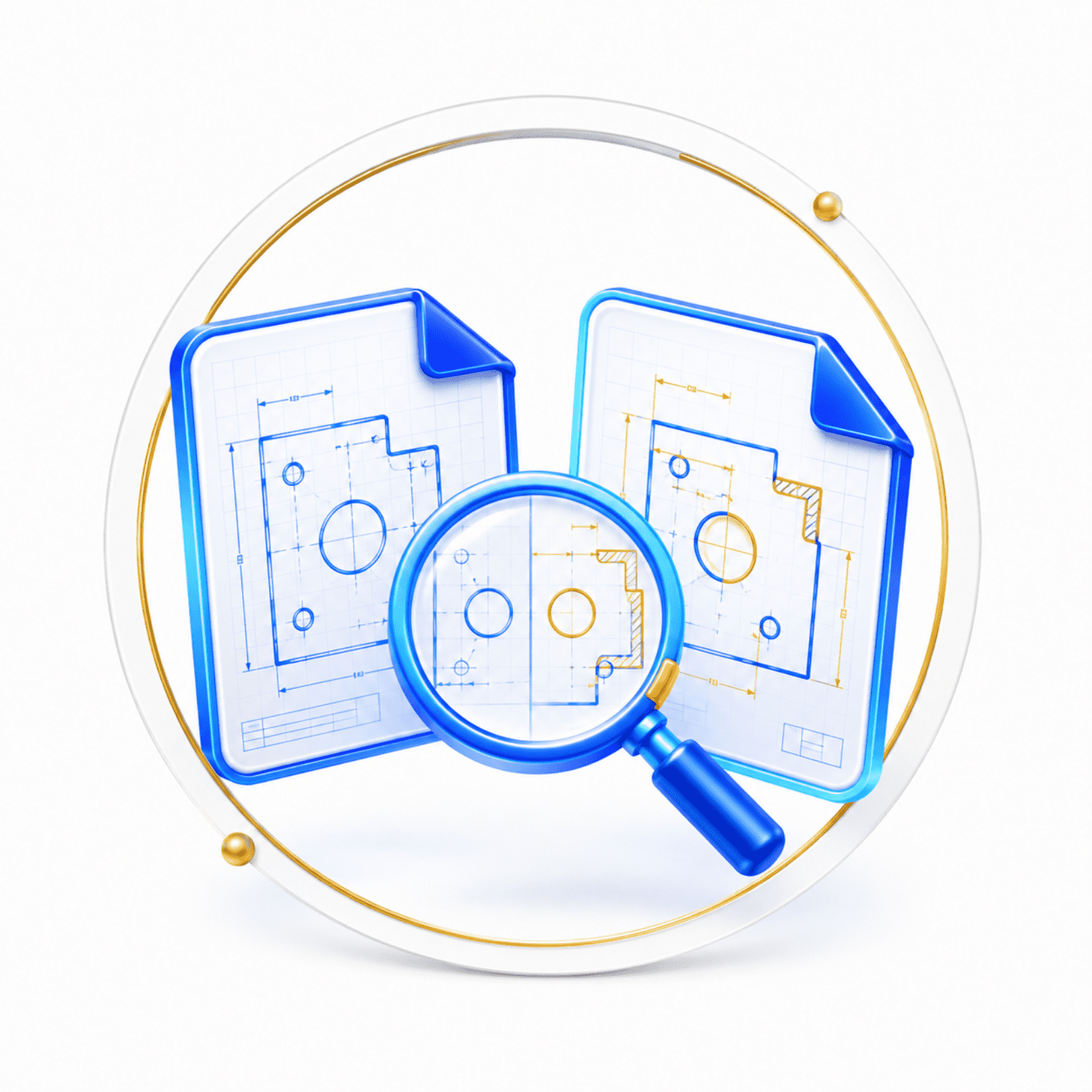
Visual change control

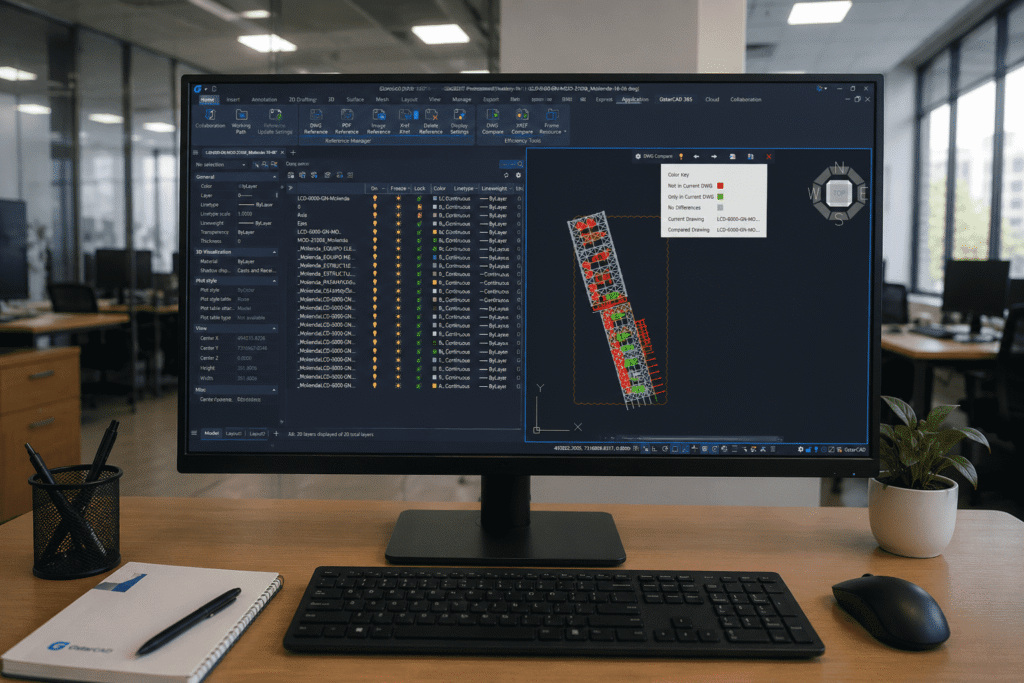
Compare drawing versions and highlight modified objects, facilitating technical reviews, deliverable coordination, and validation before issuing plans.

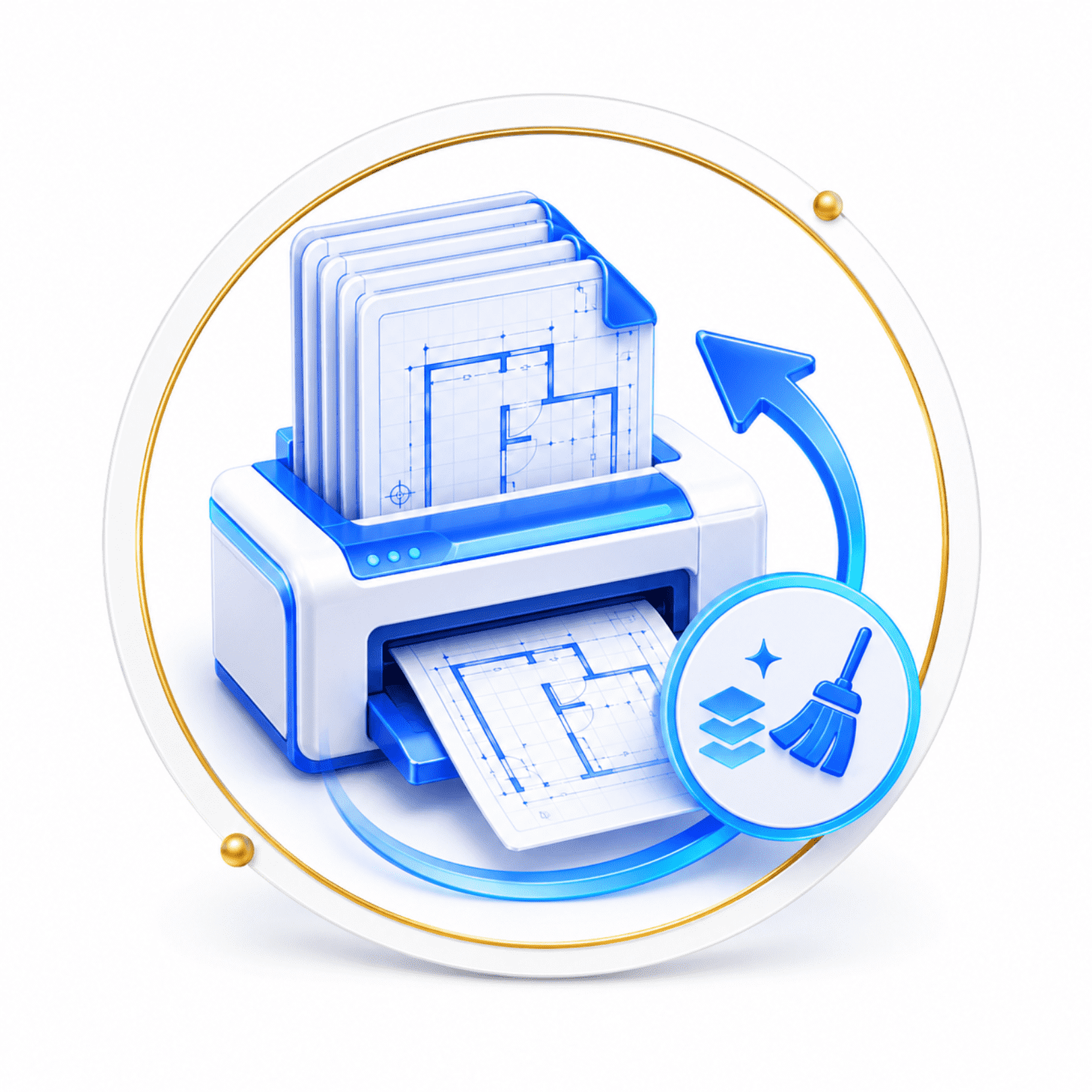
More efficient repetitive processes

Print and clean multiple files in batches, customize shortcuts, and automate tasks via compatible APIs; some capabilities depend on the installed edition.

Design faster
Migrate without friction

Unlimited features

Native DWG and DXF compatibility

Open, edit, and save widely used CAD files, reducing conversions and facilitating exchange with external teams.

Classic and Ribbon interface

Allows working with classic toolbars or ribbon, keeping commands, palettes and habits familiar to CAD users.

Visual comparison of drawings

Identify differences between versions and graphically mark modified objects to speed up reviews and document control.

Batch printing and cleaning

Process multiple layouts and remove unused layers, blocks, or styles to streamline deliveries and keep files more organized.

Dynamic blocks and editor

Reuse adjustable components and modify their properties without creating extensive libraries of repeated variants.

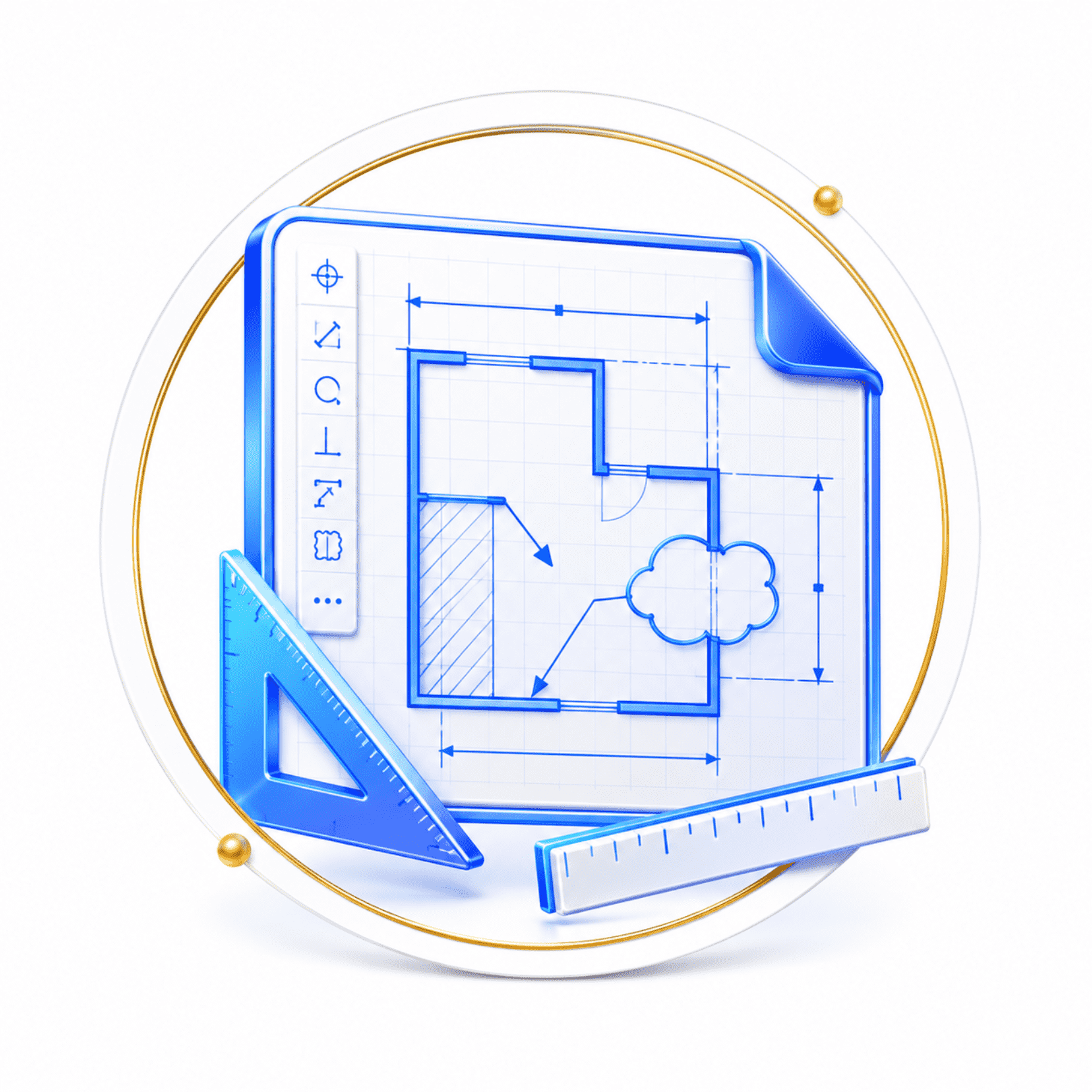
Professional 2D drawing tools

Incorporate dimensions, annotative scales, multileaders, revision clouds, area measurement, and Express utilities.

3D modeling, visualization and sections

Work with orbits, visual styles, meshes, solids, profiles, sections, materials, and rendering within the CAD environment.

Customization via APIs and routines

Adapt menus, aliases, and shortcuts, and automate processes using LISP, VBA, GRX/DBX, and .NET.

Minimum requirements

Operating system

Windows 7, 8, 10 and 11

Native files

DWG R14+ and DXF R12/LT2+

Flexible licensing

Perpetual, annual, individual or network

Customization

LISP, VBA, GRX/DBX and .NET

+200 functions that will make your work much easier.

Leader and recognized
worldwide

Verified recognition: GS (Good Software) certification at its highest level, obtained in South Korea in 2025 after an evaluation administered by Korea Testing Laboratory under ISO/IEC 25023, 25051, and 25041 standards.


Over 200 satisfied customers.

It is not a coincidence.

Do you have questions?

Do you have questions?

GstarCAD 2027 is desktop CAD software for creating, editing, reviewing, and documenting 2D technical drawings and 3D models. It is aimed at professionals in architecture, engineering, construction, manufacturing, electrical, GIS, surveying, and other disciplines that work with CAD documentation. The available tools may vary depending on the edition purchased.
Yes. The official compatibility matrix indicates reading and writing of DWG files from AutoCAD R14 to the most recent versions, and DXF from R12/LT2 onwards. It also supports common CAD environment resources, such as patterns, fonts, and line types, which facilitates the exchange of projects with teams using other compatible programs.
The official download of GstarCAD 2027 is published for Windows 7, 8, 10, and 11. Gstarsoft also offers separate products for macOS and Linux, but their version, architecture, and functional equivalence must be confirmed before associating them with this datasheet. It should not be assumed that all editions or add-ons are available on each platform.
Gstarsoft reports perpetual licenses and annual subscriptions. Activations can be individual or network-based, using a serial number or USB key, depending on the modality purchased. In a network license, licenses are managed from a server and shared up to the maximum number of contracted simultaneous users. Regional availability must be validated with the distributor.
Yes. GstarCAD offers Classic and Ribbon workspaces, command line, dynamic input, palettes, design center, and customizable shortcuts. Additionally, it allows reusing printers, templates, blocks, LISP routines, and drawing settings. This reduces relearning, although it is advisable to test critical routines or plugins of each organization beforehand.
Yes. Official sources describe drawing tools, dimensions, annotative scales, dynamic blocks, and Express utilities, as well as 3D orbit, visual styles, meshes, solids, profiles, sections, materials, and rendering. The exact scope of modeling, APIs, and advanced functions must be checked in the matrix of the Standard, Professional, or Premium edition.
Yes. Drawing Compare identifies changes between versions and highlights them visually. Batch Purge removes unnecessary elements in multiple DWG files without opening them one by one, while Batch Print processes multiple drawings in a grouped manner. These functions help control revisions, reduce file weight, and speed up preparation of deliverables.
Yes. It allows adjusting quick access toolbars, interface, aliases, and shortcuts. Official sources also mention plugins and automation via LISP/VLISP, VBA, GRX/DBX, and the .NET API. Compatibility of an existing routine must be validated with a technical test, and the availability of certain APIs may depend on the edition purchased.

Yes. All our products include training through the free GoKeep program. Additionally, our support channel is always available to provide you with a quick response to any technical or commercial questions. You can find our WhatsApp contact directly in the footer of our website.

Yes, we sell to customers throughout Chile. Since it is software, the activation code is sent by email along with the certificate, installers, and access to courses.

No, the published prices are net and VAT is added at checkout.

Talk to an advisor

Response in less than 5 minutes.

Unleash their potential

Experts in precision

Discover more solutions by category.

GNSS Systems

Laser Scanner

Cameras

Total Stations

Detection Systems

Levels

Software