Quality control
BIM without surprises

Compare actual work against BIM models to detect deviations, control quality, and avoid costly rework in construction.

ClearEdge Verity

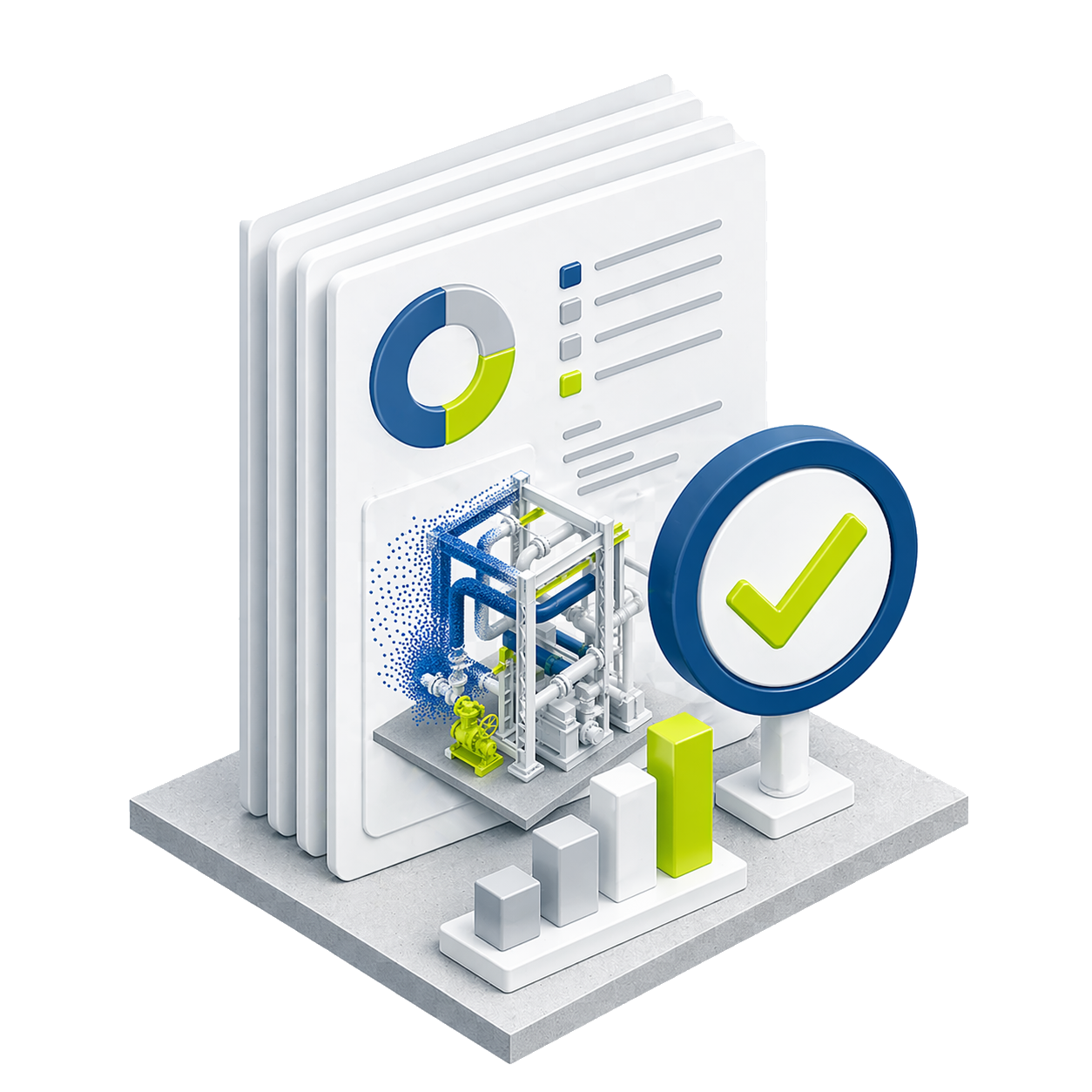
Validation against reality
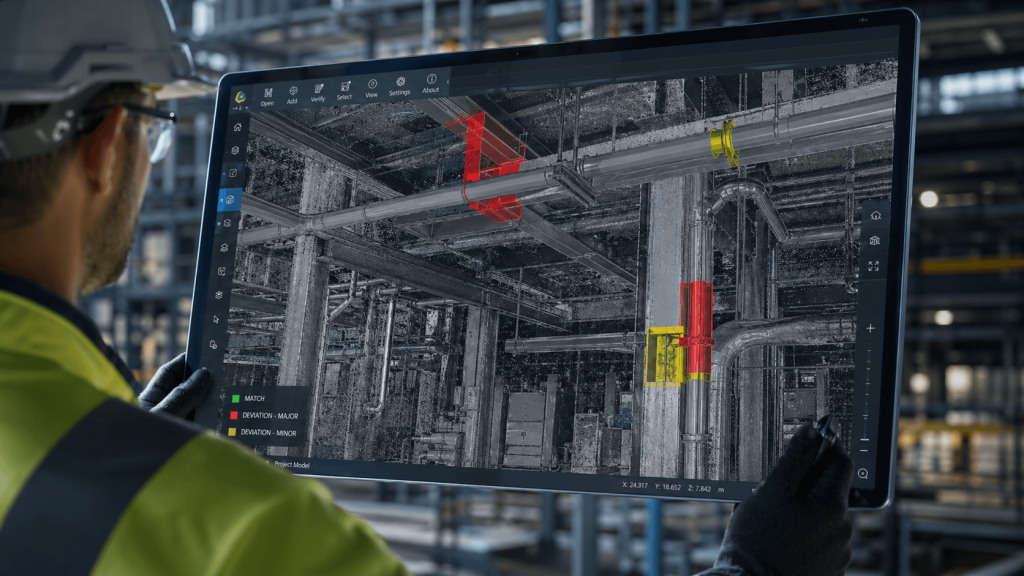
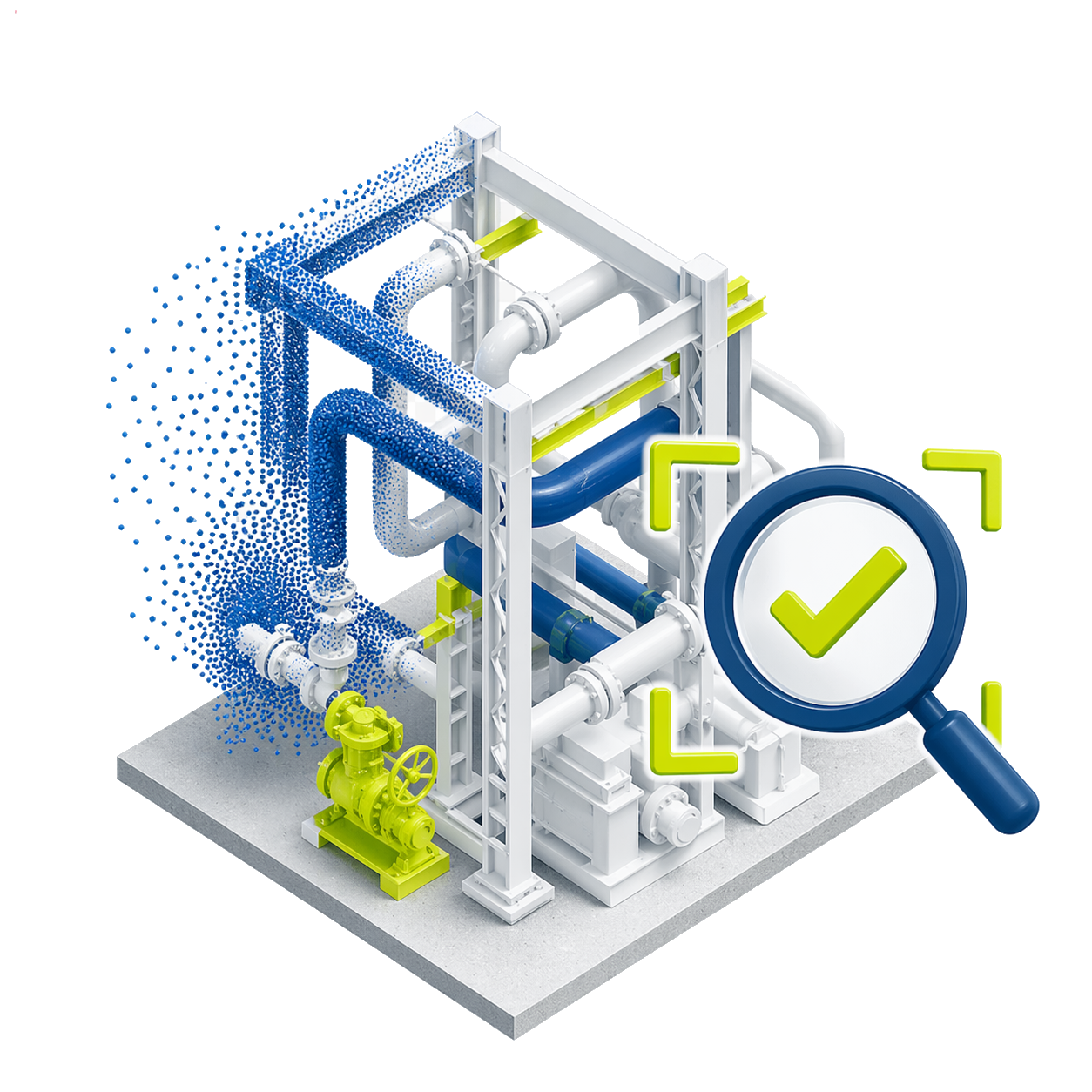
Compare the digital model with actual site conditions, identifying deviations between design and construction with precision and speed.
Continuous quality control
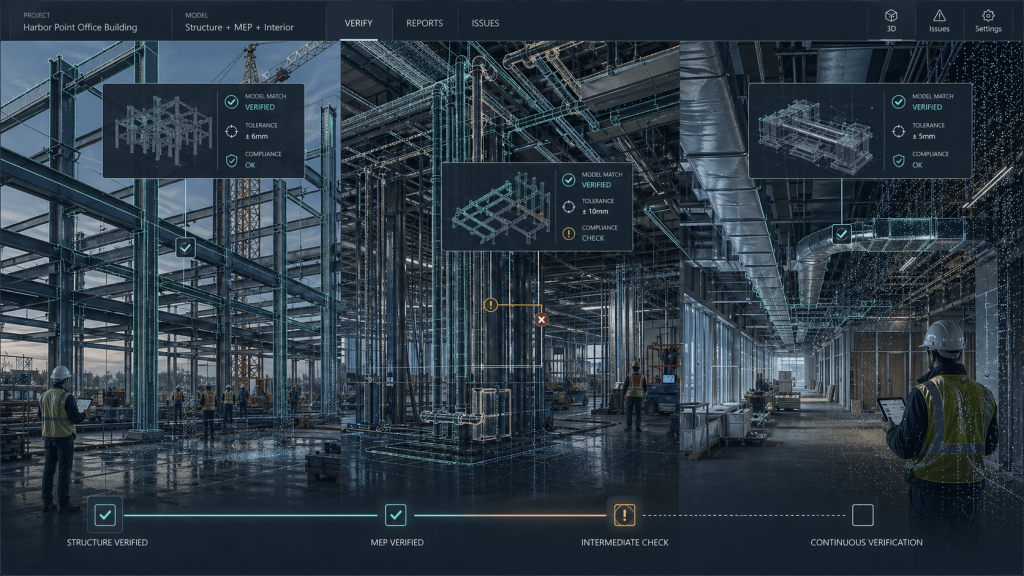
Allows monitoring project progress at different stages, verifying that execution remains aligned with defined technical standards.
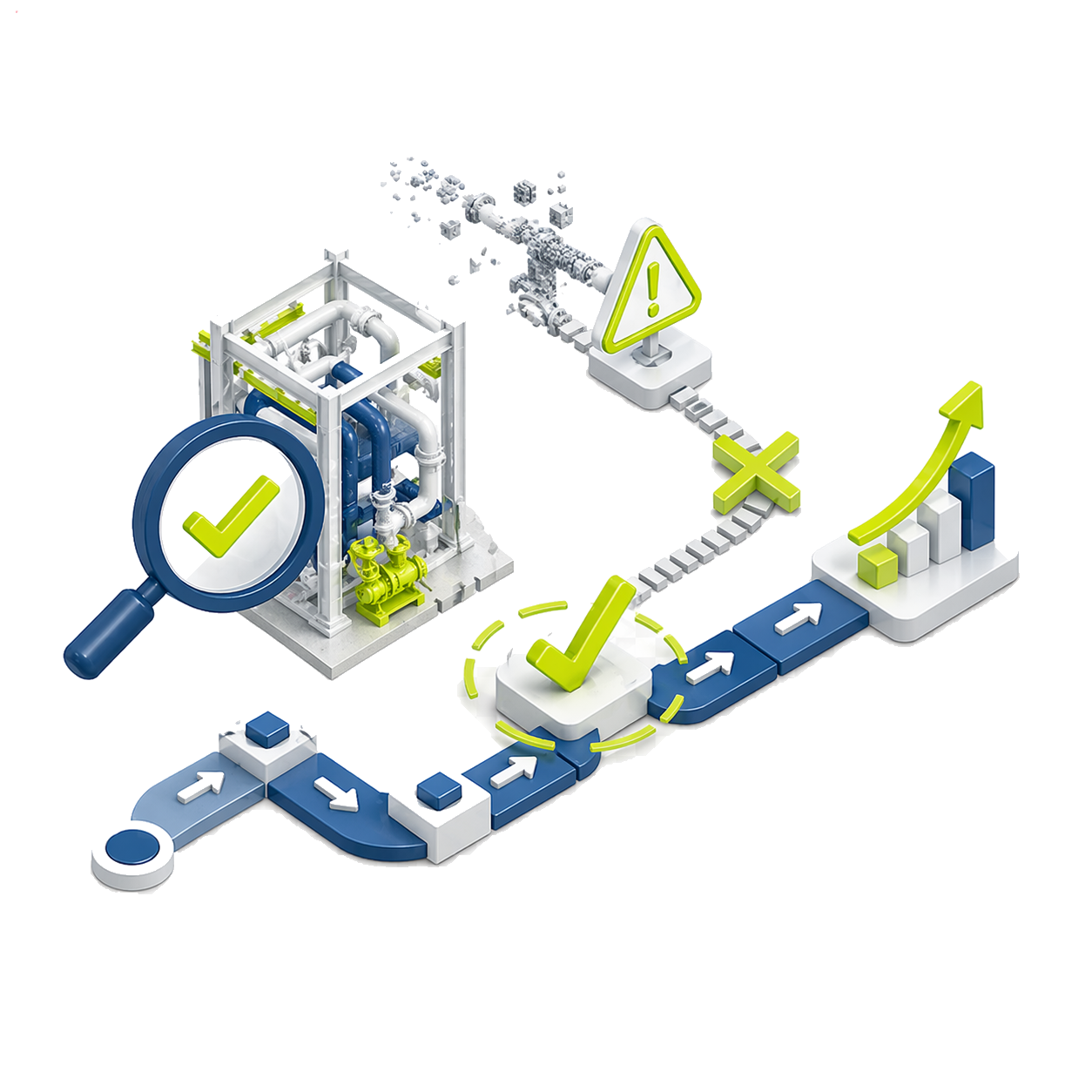
Early error correction
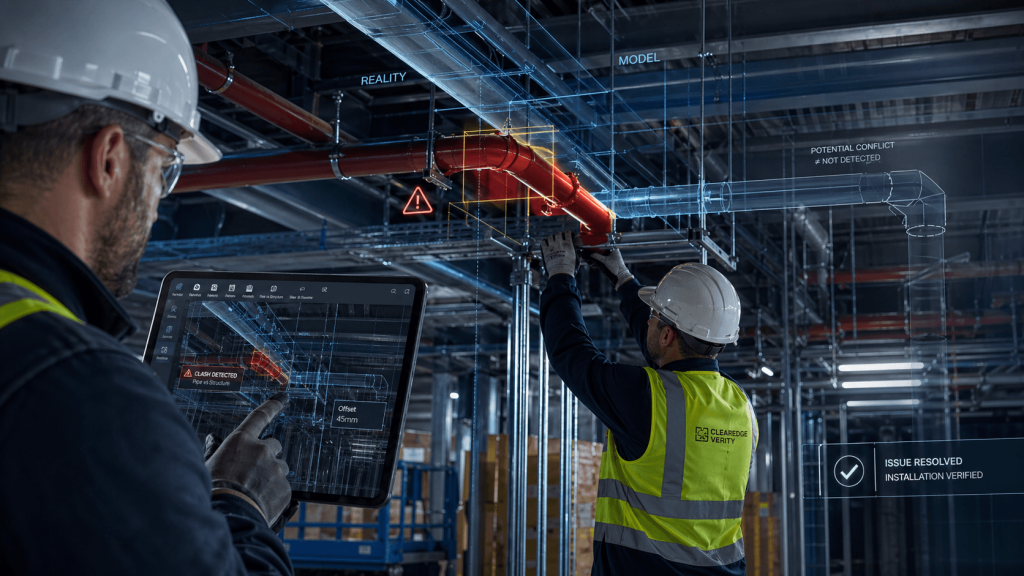
Detects construction inconsistencies before they advance to critical stages, helping reduce rework, additional costs, and delays on site.
Confidence in execution
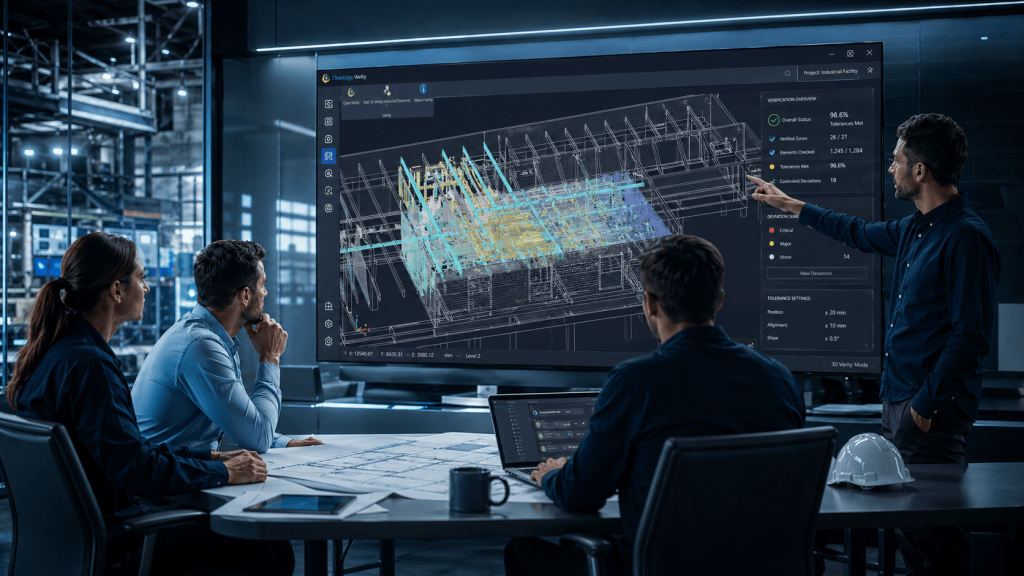
Delivers objective information to support decisions, validate deliverables, and increase confidence that the final result meets the plan.

Verity: precision that
drives decisions

Unlimited features

Automated QA/QC

Compare as-built clouds with design or coordination models to automate quality control at scale.

Less rework and delays

Detect issues early to reduce rework, clashes, and schedule risks.

Revit/Navisworks integration

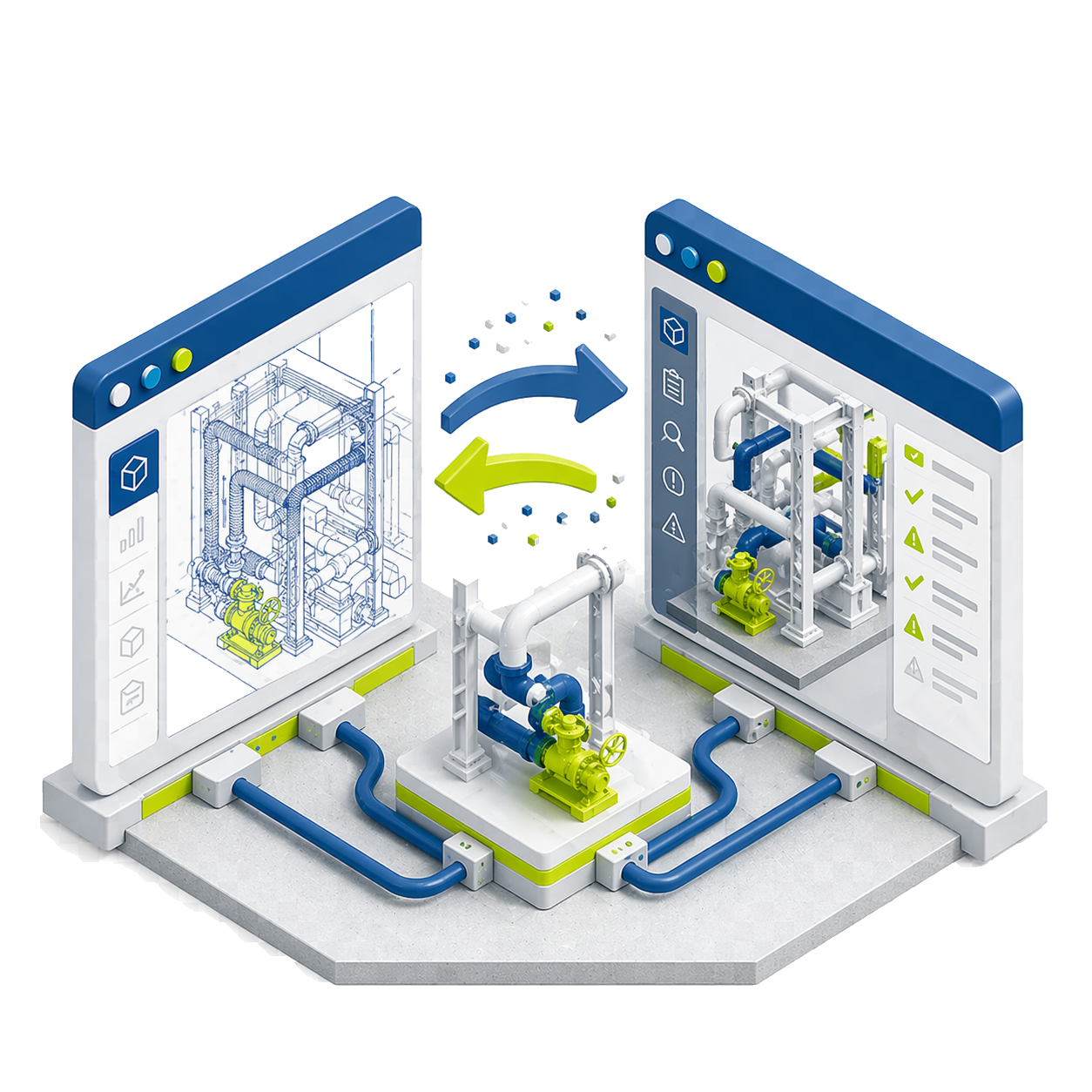
Transfer data between Revit and Navisworks, enriching models with analysis metadata.

Automatic real geometry

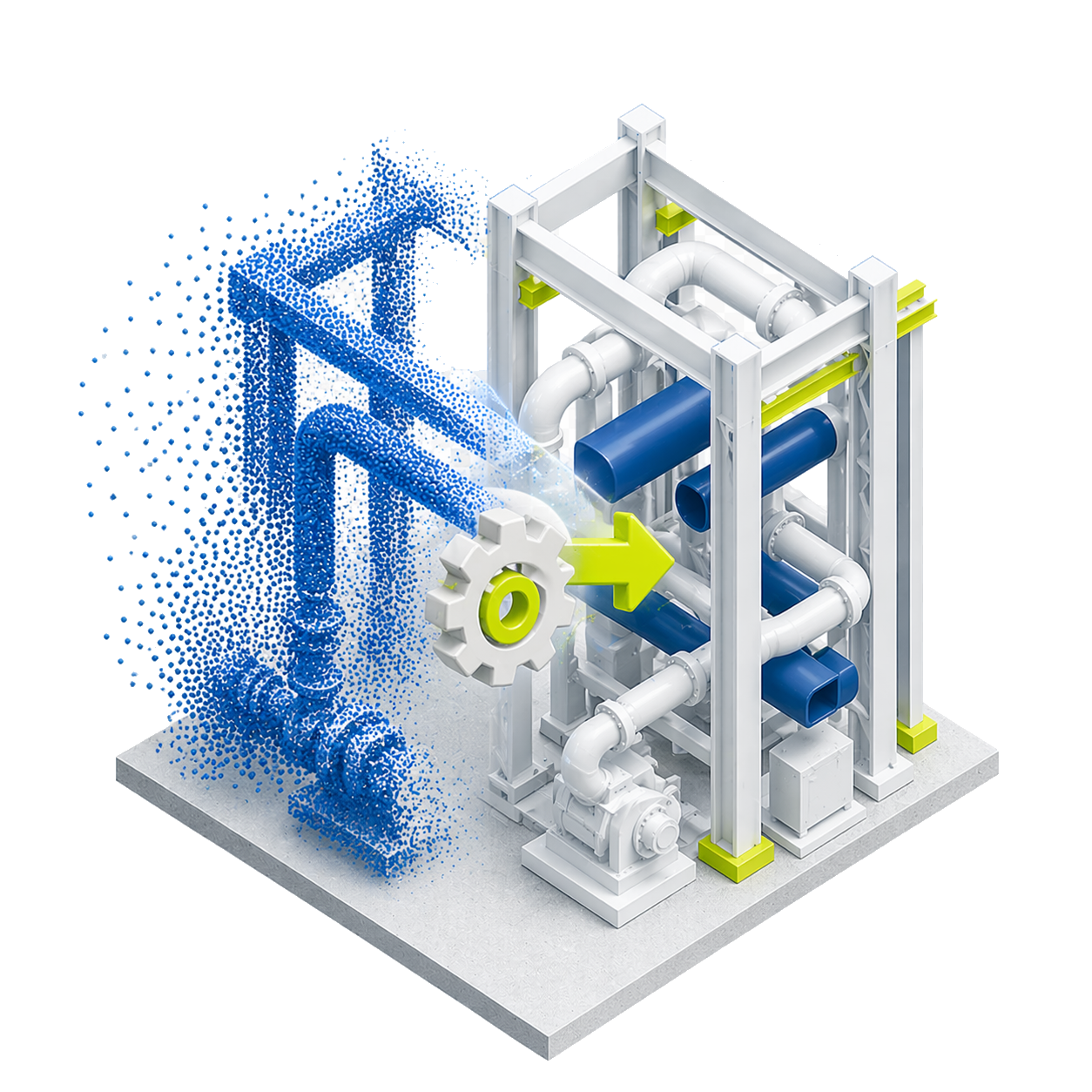
Can generate real as-built geometry for elements that deviate from the model.

As-built update

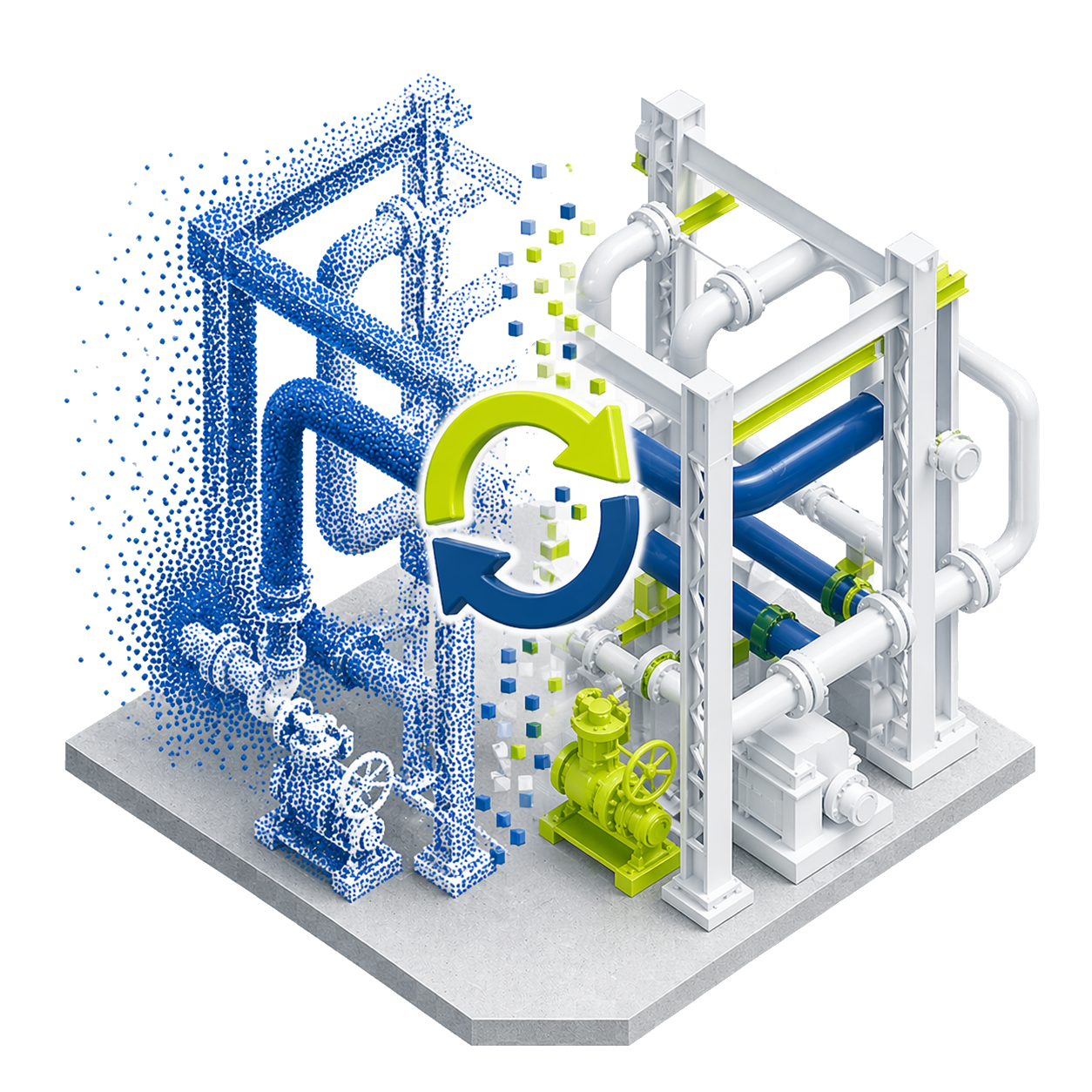
Update Revit or Navisworks models to reflect real conditions with a few clicks.

Clear reports

Generate HTML, PDF, sheets, and schedules in Revit to communicate deviations to field, office, and clients.

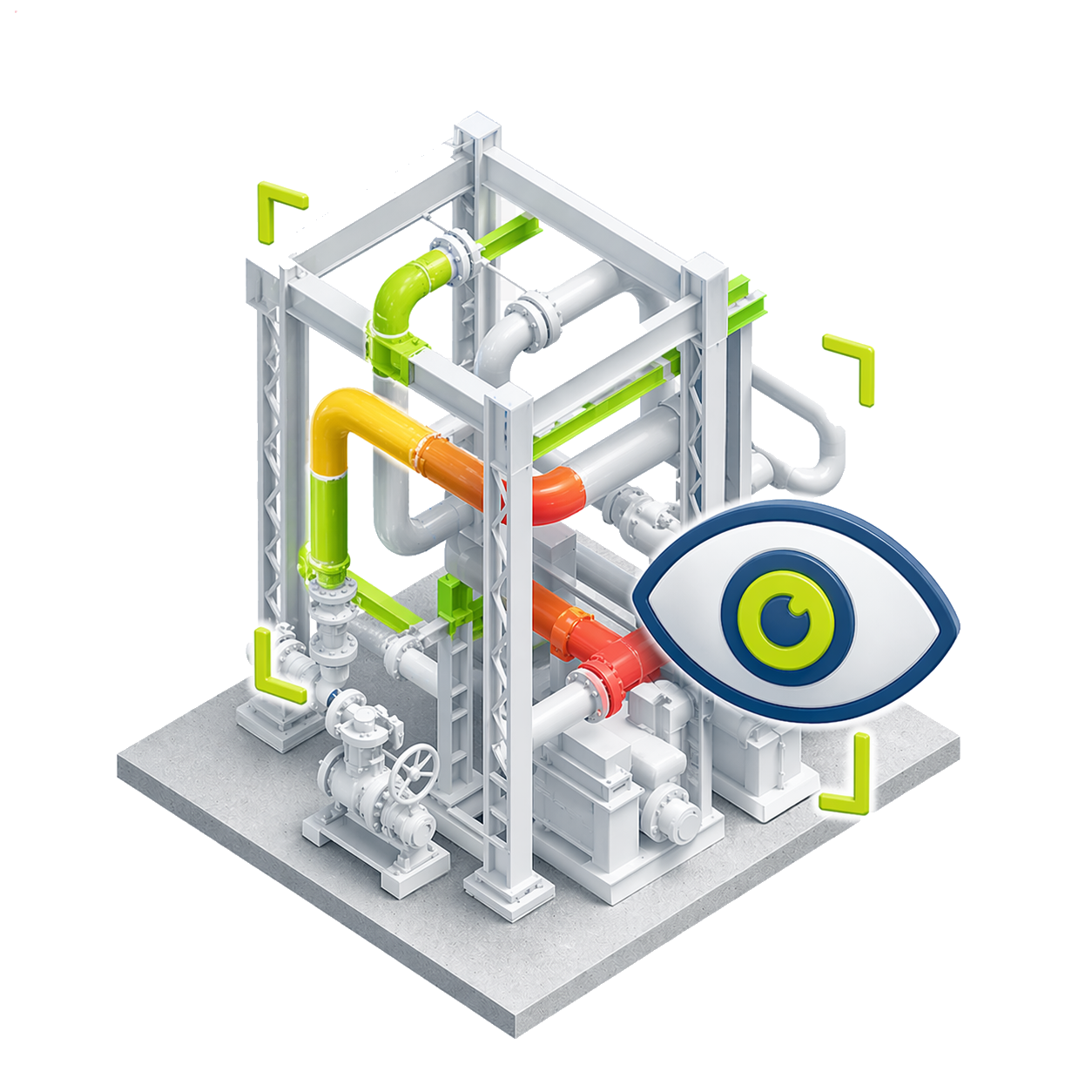
Visual tolerance reading

Color elements within tolerance, out of tolerance, or not installed for immediate reading.

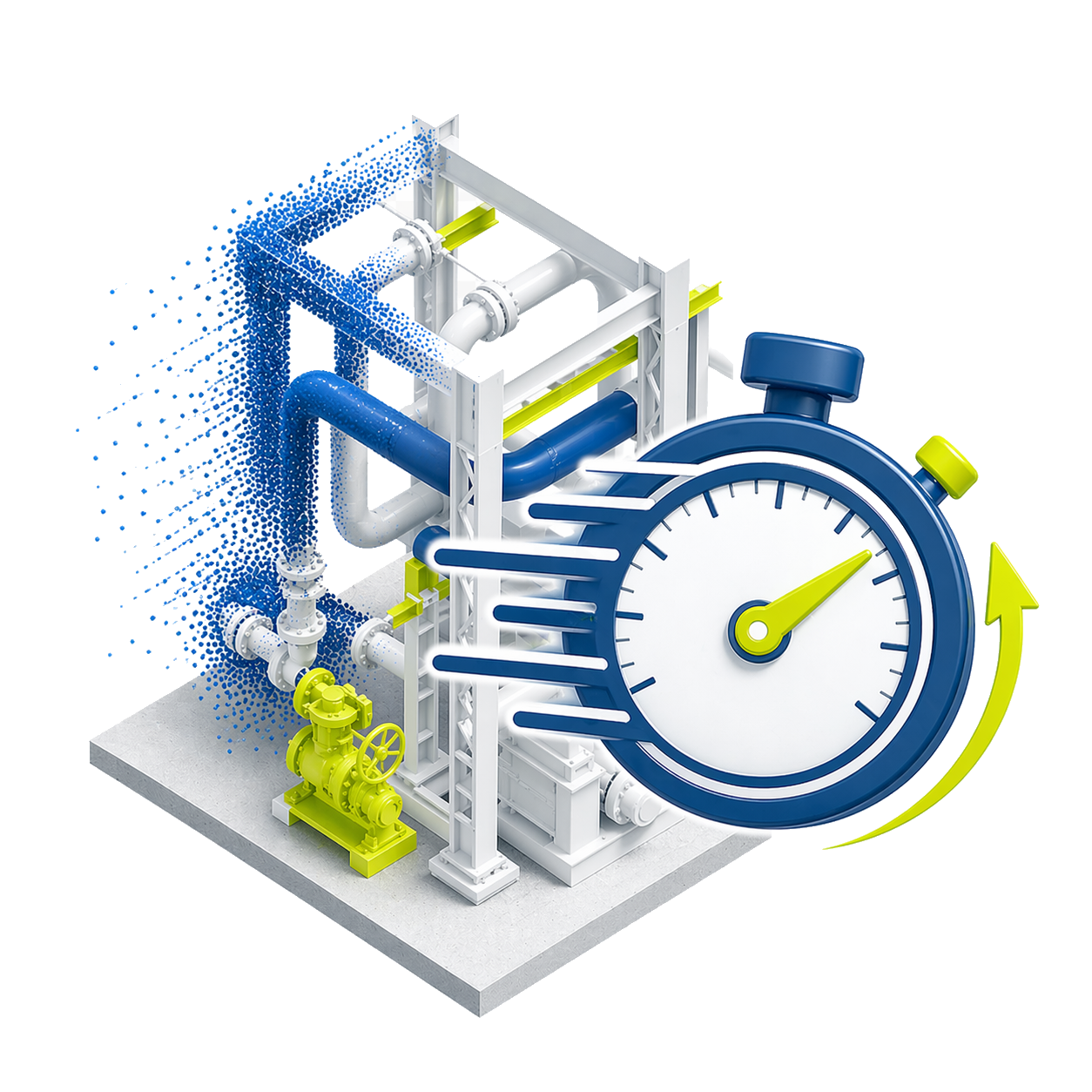
Up to 85% faster

Identifies errors up to 85% faster than traditional methods, according to the manufacturer.

Minimum requirements

Operating system

Win 11

CPU

64-bit, 2 cores

RAM

8 GB

GPU

1 GB

+200 functions that will make your work much easier.

Leader and recognized
worldwide

Recognized for strengthening BIM quality control, detecting deviations on site before they become costly rework.

Do you have questions?

Do you have questions?

Verity is used to compare as-built against as-designed. It uses point clouds captured on site and compares them with BIM or design models to detect deviations, installation errors, or differences from the original project. It is a very useful tool for quality control in construction, inspection, progress tracking, and BIM coordination.
Verity helps detect errors before they turn into costly rework. Instead of visually inspecting a project manually, it allows comparing real data against the model and documenting deviations more clearly and objectively.
Yes. Verity allows communicating results through reports, color-coded models, and documentation that facilitates review of found issues. This helps construction teams, engineering, supervision, and clients quickly understand which elements are correct and which require attention.
Verity does not prevent all errors by itself, but it helps detect them in time. Its value lies in improving quality control, reducing rework risks, and delivering clear evidence of the actual construction status versus the design.

Yes. All our products include training through the free GoKeep program. Additionally, our support channel is always available to provide you with a quick response to any technical or commercial questions. You can find our WhatsApp contact directly in the footer of our website.

Yes, we sell to customers throughout Chile. Since it is software, the activation code is sent by email along with the certificate, installers, and access to courses.

No, the published prices are net and VAT is added at checkout.
Talk to an advisor

Response in less than 5 minutes.

Unleash their potential

Experts in precision

Discover more solutions by category.

GNSS Systems

Laser Scanner

Cameras

Total Stations

Detection Systems

Levels

Software